

Google Ads Limited by budget: what the status means and what to do
Limited by budget is the Google Ads campaign status for a budget that holds ads back. How Search lost impression share (budget) puts a number on it, the three documented responses, and when to leave the status alone.
TL;DR
- Google Ads Limited by budget is a campaign status. Google shows it when a campaign is underperforming because its budget is limited, or when a Maximize Clicks campaign could get more traffic from a different budget. The ads still run, but less often than they could.
- Search lost IS (budget) sizes the problem: the share of the time a campaign's ads were not shown on the Search Network because the budget was too low. It exists at campaign level only and updates within 1 to 2 days.
- Google documents three responses: raise the budget, lower the bids so the same budget buys more clicks, or narrow the targeting. Its fix page promises more clicks and impressions, not more conversions.
- Limited by budget is not Eligible (limited). Eligible (limited) is a policy status on ads and products, and no budget change removes it.
- overads shows a Google campaign as Limited, but it does not read Google's reason or impression share, so it cannot say that budget is the cause. Google Ads can.
What Limited by budget means in Google Ads
Limited by budget is a Google Ads campaign status that says the campaign's budget is holding its ads back. Google's page on fixing the Limited by budget status names two cases in which a campaign in a Google Ads account gets the status and a budget recommendation:
- The campaign is underperforming because its budget is limited.
- The campaign uses Maximize Clicks bidding and could increase its traffic with a different budget.
The status does not mean the campaign has stopped. Google's tips for optimizing an average daily budget say that when a campaign is limited, its ads might not show as often as you would like, or might not show at all.
The Google Ads API carries the same idea in two fields. A campaign has a primary status, and one of its values is LIMITED, described as a campaign limited by user-specified settings. It also has a list of primary status reasons. One of them is BUDGET_CONSTRAINED, described as a budget that is limiting the campaign's ability to serve.
Limited by budget is not the same as Eligible (limited)
Google Ads uses the word limited for three different things, and only one of them is fixed with a budget. Limited by budget sits on a campaign. Eligible (limited) sits on an ad or a product. Limited is also a bid strategy status.
| Status | Where it sits | What it means | Google's next step |
|---|---|---|---|
| Limited by budget | A campaign | The budget is limited and the campaign is underperforming, or a Maximize Clicks campaign could get more traffic | Apply a recommended budget or enter your own |
| Eligible (limited) | An ad or a product | The ad complies with policy but is limited in where and when it can show | File an appeal if the policy label is wrong |
| Limited, with the factor Budget constrained | A bid strategy | Many keywords using the strategy are Limited by budget, so bids may not rise enough to meet the goal | Increase the budgets associated with the strategy |
Google's definition of Eligible (limited) ties that status to its advertising policies. Its examples are ads covered by the Alcohol, Gambling, Healthcare and Trademarks policies, and an ad that is under re-review. A larger budget does not change a policy status.
Google's page about bid strategy statuses lists Budget constrained as one of four factors that can make a bid strategy Limited. Hovering over the status in the Status column shows which factor applies. This one does point back to budgets.
Where the Limited by budget status appears
The Limited by budget status appears in the Status column of the Campaigns table in Google Ads. Google's fix page gives the steps to find every campaign that has it.
- Go to Campaigns within the Campaigns menu.
- Select the Filter icon, then Status.
- Check Limited by budget and select Apply.
- Select the chart icon next to a campaign marked Limited by budget. A pop-up with daily budget options appears.
- Select a recommended average daily budget, or enter your own.
- Select Apply.
The pop-up replaces another tool. Google's page on bid, budget and target simulators says a campaign with the Limited by budget status gets budget ideas in that pop-up instead of the Campaign Bid Simulator.
The same condition also shows up on the Recommendations page. Google's list of recommendation types includes three that concern a limited budget:
- Raise your budgets. Recommended because the account missed 5% or more of its potential traffic last week.
- Move unused budgets. Recommended on the same 5% basis, to move unused budget to the ads that need it most.
- Raise your budgets for upcoming traffic increases. Recommended when Google's simulations show the account may miss 5% or more of its future weekly traffic at the current budget.
Not every limited campaign gets a recommended figure. The fix page says Google Ads will not display a recommended budget if the campaign rarely meets its average daily budget, or if the campaign has limited data. In that case Google suggests raising the budget to an amount you are comfortable with.
How Search lost IS (budget) measures a limited budget
Search lost IS (budget) is the metric that puts a number on a limited budget. Google's page on getting impression share data defines it as the percentage of time that a campaign's ads were not shown on the Search Network because of insufficient budget. Display lost IS (budget) is the same measure for the Display Network.
The metric belongs to a family. Google's page about impression share defines impression share as impressions divided by total eligible impressions. Search lost IS (rank) is the percentage of time the ads were not shown because of poor Ad Rank. Budget and rank are the two reasons Google reports for an eligible impression that was missed.
A worked example, as arithmetic on those definitions and not a Google figure: a Search campaign records 600 impressions in a week and a Search impression share of 60%. That implies about 1,000 eligible impressions. A Search lost IS (budget) of 25% then stands for about 250 impressions missed for budget. A Search lost IS (rank) of 15% stands for about 150 missed for rank. In this example the three shares add up to 100%. The pages read do not say that they always do, and each one is an estimate.
Google's pages add reporting rules that change how the number is read.
- Campaign level only. Search lost IS (budget) is available for campaigns, not for ad groups or keywords.
- Not summed across the account. Impression share metrics are reported separately for each campaign type and are not aggregated across the account.
- A delay of 1 to 2 days. All impression share metrics are updated within 1 to 2 days, so yesterday's budget change is not in the figure yet.
- Rank can be hidden by budget. Lost IS (rank) is not shown on the Ad groups tab if the campaign ran out of budget at any point in the date range.
- The API stops at 0.9. The Google Ads API metrics reference says
search_budget_lost_impression_shareis reported between 0 and 0.9, and any higher value comes back as 0.9001. Search impression share is reported between 0.1 and 1, and any lower value comes back as 0.0999.
Google also warns against reading too much into small moves. The page about impression share says the metric rests on an estimate of when an ad was competitive, and that small fluctuations over time do not necessarily mean action is needed.
Raise the budget, lower bids or narrow targeting
Google documents three responses to a Google Ads campaign that is Limited by budget: raise the budget, lower the bids, or narrow the targeting. Each one trades something different.
Raise the budget. The fix page says applying the recommended budget will help increase clicks and impressions. It bases the recommended figure on four things: recent campaign performance, the current budget, the keyword list and the campaign's targeting settings. A higher average daily budget also raises the most the campaign can be billed in a day and in a month, as the guide to the Google Ads daily budget and overdelivery explains.
Lower the bids. Google's budget tips page calls this counterintuitive. Slightly lower bids in a campaign marked Limited by budget could reduce the average cost of a click, so the same budget could go further and earn more clicks. The page adds the risk: bids lowered too much can lose clicks because they are no longer competitive. Google says to check the campaign a few days later. As an alternative to editing bids by hand, the same page points to automated bidding, and names Maximize Conversions and Maximize Conversion Value for using a budget fully.
Narrow the targeting. Google's page on improving impression share says that decreasing regional targets may increase impression share, and that it also reduces the number of impressions available. The campaign covers a smaller market more completely. The page states the reverse too: adding regions can lower impression share unless the budget is adjusted to cover them.
A fourth route applies to accounts with several campaigns. The Move unused budgets recommendation is described by Google as moving unused budget to the ads that need it most.
When to leave a Google Ads campaign Limited by budget
A Google Ads campaign can be left Limited by budget when the budget is a deliberate cap and the extra traffic would not pay for itself. The status reports missed volume. It does not report whether that volume would have been worth buying.
That follows from Google's own wording. The fix page says the recommended budget will help increase clicks and impressions. It does not mention conversions, cost per conversion or return. The second case that triggers the status is a Maximize Clicks campaign that could increase traffic. Both describe reach.
These are checks to make before accepting a recommended budget. They are practice, not Google rules.
- Is the budget a decision? A budget set from what the business can afford this month is doing its job when it limits the campaign.
- Is the campaign paying back at the current spend? If its cost per conversion is already at or above the target, more of the same traffic is unlikely to help. Lower bids or narrower targeting address that. A larger budget does not.
- How large is the loss? A Search lost IS (budget) of a few percent that moves from week to week is the kind of small fluctuation Google says does not necessarily need action. A large and steady figure is a clearer signal.
- Which campaign is it? The metric is per campaign and is never summed across the account, so the answer can differ for each campaign.
How overads shows a limited Google Ads campaign
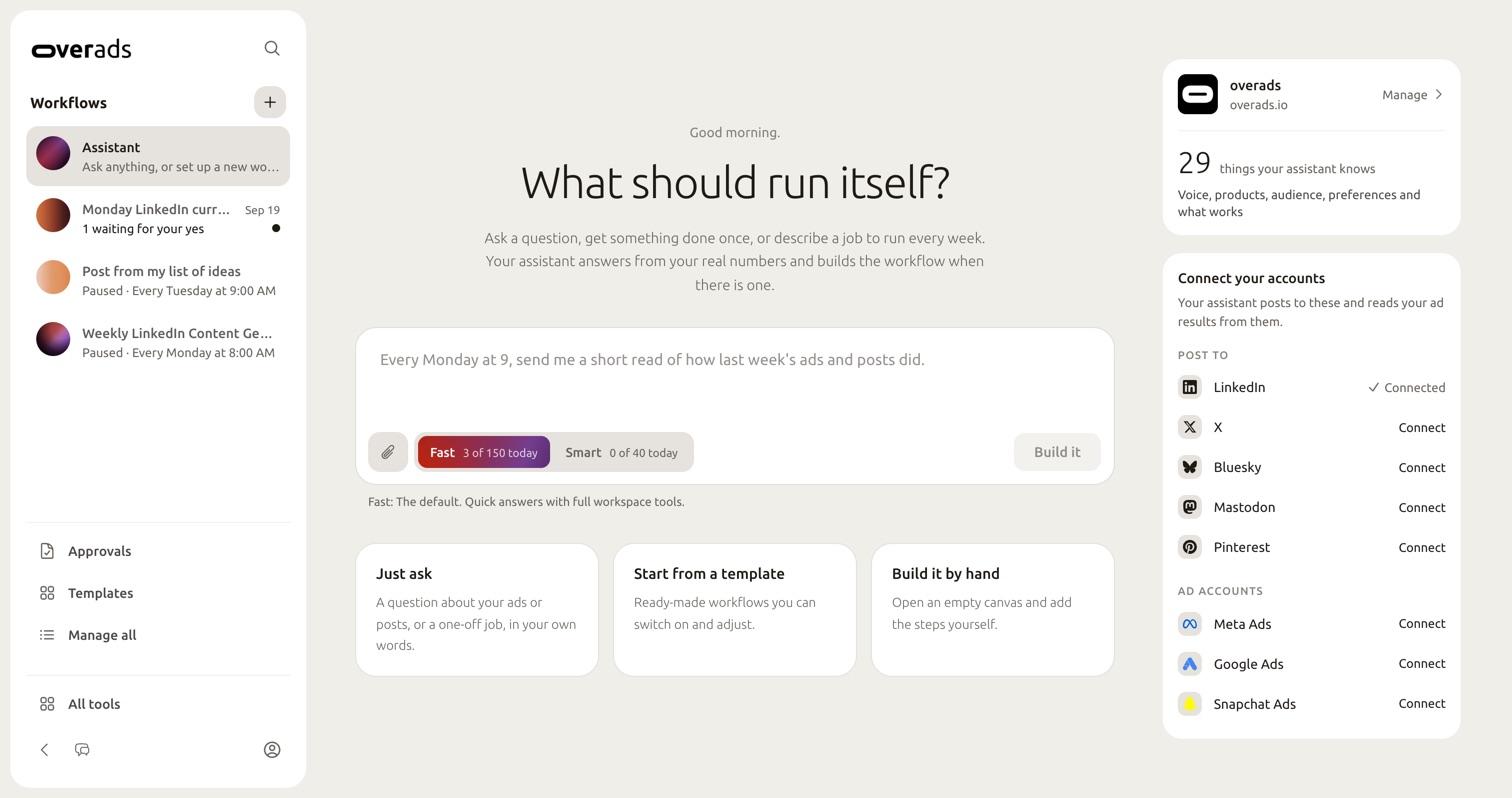
overads shows a Google Ads campaign as Limited when Google reports that primary status, and it stops there. This section describes it from the overads code as it stood on November 27, 2026.
Three details follow from what overads asks Google for.
- It reads the status, not the reason. overads reads each campaign's primary status from the Google Ads API and shows the value
LIMITEDas Limited in the campaign list on the Ad accounts page. It does not read the primary status reasons. It cannot tell a campaign limited by budget from one limited by another setting. - It does not read impression share. From Google, overads reads impressions, clicks, cost, conversions and conversion value. It does not read Search lost IS (budget) or any other impression share metric.
- It can change the daily budget. Meta and Google ad changes run after you approve them; X and Snapchat connect read-only, so overads proposes and a person applies. On Meta that covers pausing and resuming campaigns, ad sets and ads, budget changes, launching ads and audiences, and automation rules; on Google, pausing and resuming a campaign and changing its daily budget. Each change is confirmed by a person first. A budget that is shared with other campaigns is refused, with a note to change it in Google Ads.
Google changes are off by default in the overads code and are switched on for a whole deployment or for named workspaces. A workspace without them sees its Google campaigns, their status and their spend, and changes budgets in Google Ads. How approvals work inside an overads workflow is in the workflows guide.
Where overads fits
overads fits a team that wants to see which Google Ads campaigns are limited next to its other ad accounts, and wants a budget change to wait for a person. It does not diagnose the Limited by budget status. Google Ads does.
What overads does not do, read from the code on November 27, 2026:
- It does not say why a Google campaign is limited.
- It does not show Search lost IS (budget) or impression share.
- It does not show Google's recommended budget or apply a Google recommendation.
- It does not change bids, keywords or location targeting on Google.
- It does not change a shared budget.
- It does not raise or lower a budget without a person confirming it.
When another route fits better: the work this guide describes belongs in Google Ads, where the status, the recommended budget and the impression share columns sit together. A team that wants to hear about spend without opening the account can set a rule or a script, as the guide to Google Ads and Meta spend alerts describes. For a view across Google, Meta and other ad accounts, the cross-platform ad reporting guide compares the options. For agencies and in-house teams, the Google Ads for agencies page and the Google Ads for DTC operators page describe what overads reads from Google.
Frequently asked questions
Do Performance Max campaigns have impression share?
Yes. Google's page about impression share says Performance Max impression share is calculated from Search and Shopping impressions divided by the eligible impressions on both.
Why does the impression share column show a dash?
Google's page about impression share says a dash can mean there is not enough data, for example low traffic or new keywords. It adds that these metrics can take 24 to 48 hours to update.
Why is the bid simulator greyed out on a campaign that hits its budget?
Google's simulators page says the simulators may not be able to give estimates when a campaign reached or nearly reached its average daily budget at least once in the last 7 days. The campaign bid simulator is also unavailable for a campaign on a shared budget.
Sources
- Fix Limited by budget status. Google Ads Help. Accessed Nov 27, 2026.
- Tips for optimizing your average daily budget. Google Ads Help. Accessed Nov 27, 2026.
- About impression share. Google Ads Help. Accessed Nov 27, 2026.
- Get impression share data. Google Ads Help. Accessed Nov 27, 2026.
- Improve your impression share. Google Ads Help. Accessed Nov 27, 2026.
- Types of recommendations. Google Ads Help. Accessed Nov 27, 2026.
- Estimate your results with bid, budget, and target simulators. Google Ads Help. Accessed Nov 27, 2026.
- Eligible (limited): Definition. Google Ads Help. Accessed Nov 27, 2026.
- About bid strategy statuses. Google Ads Help. Accessed Nov 27, 2026.
- Google Ads API reference: CampaignPrimaryStatus, v26. Google for Developers. Accessed Nov 27, 2026.
- Google Ads API reference: CampaignPrimaryStatusReason, v26 (last updated November 16, 2026). Google for Developers. Accessed Nov 27, 2026.
- Google Ads API fields: metrics, v26. Google for Developers. Accessed Nov 27, 2026.
Drafted with AI assistance, then checked against primary sources and the product itself by the overads team.
Keep reading
Paid media · 12 min read
Google Ads daily budget: why a campaign can spend more than you set
Google lets a campaign spend up to twice its average daily budget on one day and caps the month at 30.4 times it. The rules for edits, shared and total budgets, what you are billed, and how to check it.
Paid media · 15 min read
Google Ads automated rules and Meta automated rules: how to set spend and CPA alerts
Both ad platforms can warn you when spend or cost per acquisition crosses a line, without changing anything. The steps for each, a side-by-side table, how late an alert can arrive, and what scripts add.
Paid media · 12 min read
Google's AI Max auto upgrade: which Search campaigns moved and what to check
Through September 2026, Google is moving Search campaigns that used campaign-level broad match or automatically created assets to AI Max. Dynamic Search Ads wait until February 2027. What each campaign gets, the dates, and how to judge it.
See which Google campaigns are limited, next to your other ad accounts
Connect a Google Ads account to see each campaign's status and spend in one list. Where Google changes are switched on, a new daily budget goes to Google only after a person confirms it.
Get started