

Google Ads daily budget: why a campaign can spend more than you set
Google lets a campaign spend up to twice its average daily budget on one day and caps the month at 30.4 times it. The rules for edits, shared and total budgets, what you are billed, and how to check it.
TL;DR
- A Google Ads daily budget is an average, not a cap. Google says a campaign can spend up to twice its average daily budget on one day, and that over a month you are billed no more than 30.4 times it. A $10 budget can bill $20 on one day and $304 in a month.
- Overdelivery is when the clicks a campaign received cost more than those limits. Google says you are still billed no more than the limits and Google covers the difference.
- A budget edit resets the monthly ceiling to what was spent so far plus the new budget times the days left. On the day of the edit, the daily cap uses the highest budget set that day.
- Shared budgets move unused money between campaigns. Campaign total budgets have no daily cap and a hard cap for a period of 3 to 90 days on Search, Shopping and Performance Max.
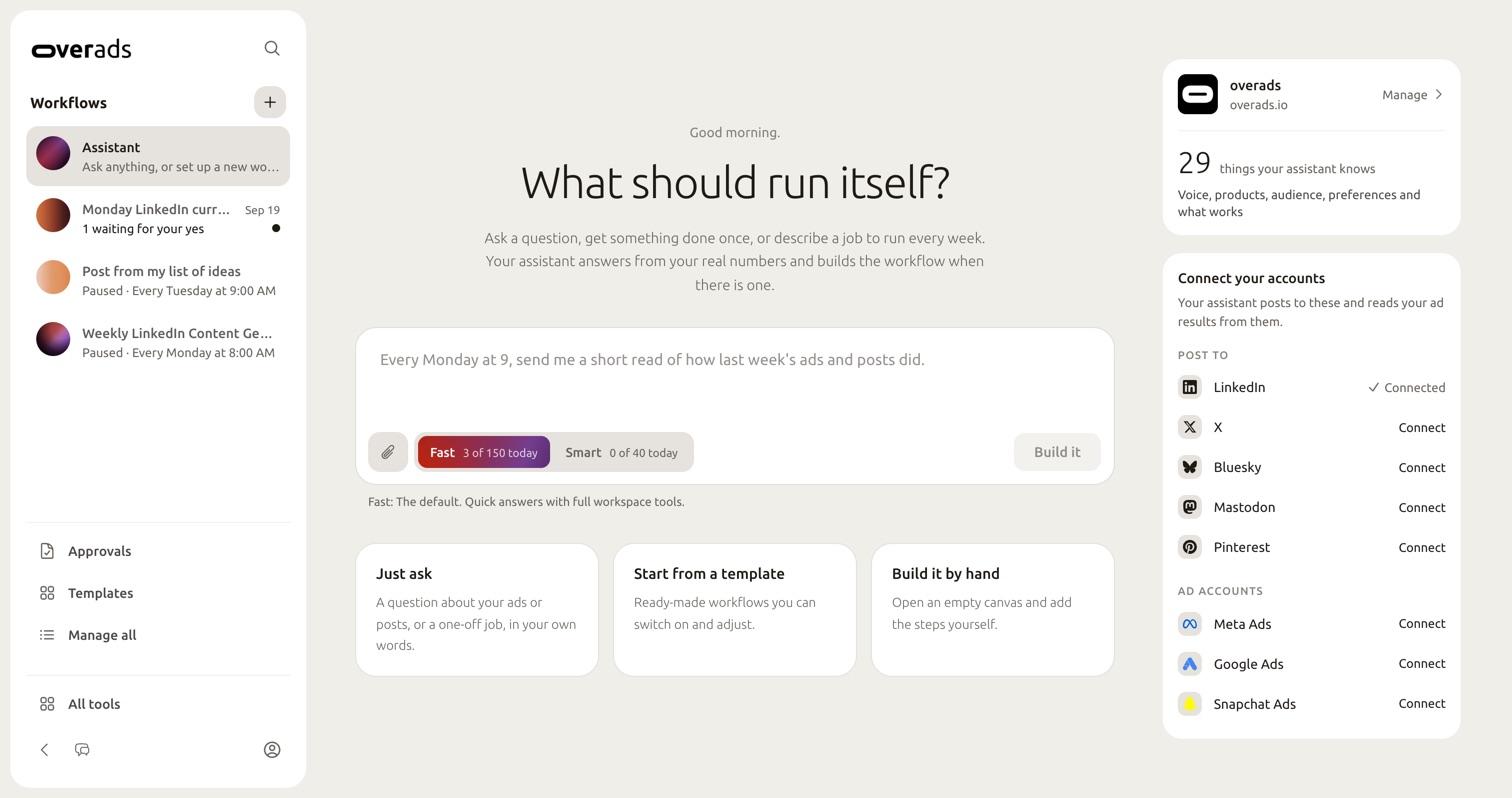
- Where Google changes are switched on, overads can change the daily budget of a Google campaign after a person confirms it, and refuses a budget shared with other campaigns. It cannot change Google's spending limits.
What a Google Ads average daily budget is
A Google Ads average daily budget is the amount you are roughly comfortable spending on one campaign per day, averaged over a month. Google's page about average daily budgets says Google then spends more on days when clicks and conversions are more likely and less on others. Some days fall short of the budget and some days go over it.
The budget is set per campaign in a Google Ads account and can be edited at any time. Google gives a formula for turning a monthly amount into a daily one: divide the monthly amount by 30.4, the average number of days in a month (365 divided by 12). Its own example is $304 a month, which gives an average daily budget of $10.
The Google Ads API describes the same field in its CampaignBudget reference. The field amount_micros is the average daily amount, in millionths of the account's currency, and the reference says the effective monthly spend is capped at 30.4 times it.
How far a Google Ads campaign can go over its daily budget in one day
A Google Ads campaign can be billed up to twice its average daily budget on one day. Google's page about spending limits calls this the daily spending limit: the average daily budget multiplied by 2, for most campaigns. With a $10 budget, the daily spending limit is $20.
Google gives the reason on its page about overdelivery: the campaign may spend up to twice the budget on a given day to take advantage of changes in traffic. Over the month, the average day matches the budget.
The spending limits page adds two exceptions.
- Pay for Conversions campaigns. A campaign set up to pay for conversions has no daily spending limit. It still stays within the monthly limit of 30.4 times its average daily budget.
- Days with more than one budget edit. The daily limit uses the highest average daily budget chosen that day. A budget raised to $50 and lowered to $5 on the same day keeps a $100 limit for that day.
The monthly spending limit and overdelivery credits
The Google Ads monthly spending limit is 30.4 times the average daily budget, for most campaigns. It is the most a campaign can be billed in a month. A $10 budget gives a monthly limit of $304. If a campaign starts partway through a month, Google counts only the days it was running.
Overdelivery is what Google calls the case where the cost of the clicks or impressions a campaign received goes past those limits. The spending limits page separates two figures:
- Served cost is the cost of all the clicks or impressions the campaign received.
- Billed cost is what you pay after adjustments, for example for invalid activity.
Google says its systems are designed to stop showing ads at the limit, but in rare cases do not catch up straight away. Its daily example is a $10 budget whose clicks cost $23 on a busy day. The billed cost is the $20 daily limit and Google covers the remaining $3. Its monthly example is clicks costing $310 against a $304 limit, with $304 billed and $6 covered by Google.
To see overdelivery in an account, the overdelivery page points to Report editor, then the Billing section of the Template gallery, then the Billed cost report. It lists served and billed cost per campaign. Served cost minus billed cost is the overdelivery.
What happens when you change a Google Ads budget mid-month
A Google Ads budget change applies at once and resets the monthly ceiling. Google's page on how budget changes take effect says that after a change, spend for the rest of the month will not exceed the new average daily budget times the calendar days left. What was already spent is added on top.
Google's example of a single increase in September:
- The campaign starts the month at $10 a day, with a daily limit of $20 and a monthly limit of $304.
- With 5 days left, counting the day of the edit, and $270 spent, the budget is raised to $50 a day.
- The daily limit becomes $100, twice the new budget.
- The monthly limit becomes $270 plus $50 times 5 days, which is $520.
A decrease works the same way for the month, with one difference on the day itself. In Google's matching example, the budget is cut from $10 to $5 with 5 days left and $270 spent. The day of the edit keeps the $20 limit of the higher budget. The days after it have a $10 limit, and the monthly limit becomes $270 plus $5 times 5 days, which is $295.
The same page and the spending limits page add three rules that are easy to miss.
- The end date counts as a budget change. Changing a campaign's end date is treated as a budget change when Google works out the most you will pay in the month.
- Ad schedules do not shrink the month. A campaign on an ad schedule still paces to 30.4 times its average daily budget, however many days it is scheduled to run. After a budget edit, the rest of the month paces over the calendar days left, not the scheduled days left.
- The daily cap still holds. Even with the month paced over fewer active days, spend on an active day does not go past twice the average daily budget.
The ad schedule rule changes the shape of a month. As arithmetic on Google's rule, not a Google figure: a campaign with a $50 budget that runs on weekdays only still paces towards $1,520 in a month (30.4 times $50). In a month with 22 weekdays, that is about $69 on each day it runs, which stays under its $100 daily limit.
Shared budgets and campaign total budgets
Google Ads offers two budget types besides a campaign's own average daily budget, and each changes how spend can move.
A shared budget is one average daily budget used by several campaigns in an account. Google's page about shared budgets says money that one campaign does not use can move to another campaign that is limited by budget (the status is explained in the guide to the Google Ads Limited by budget status). Its example is $100 a day split between two campaigns: if one spends only $40, the other can use the leftover $10. Shared budgets are available on Search, Shopping, Display and Video campaigns. They are not available for Performance Max campaigns or for campaigns using a total budget.
One rule on Google's page on managing a shared budget can produce a day that looks like overspend. If you move campaigns from their own budgets to a shared budget, or back, in the middle of a day, Google starts serving from the moment of the switch as though the campaigns had spent nothing so far that day. In its example, four campaigns with $6 budgets have each spent $6 by 3:00 pm. A $24 shared budget created for them at 4:00 pm starts from $0.
A campaign total budget is a fixed amount for a set period. Google's page about campaign total budgets says there is no daily spending limit and you are never charged more than the total. Google adjusts spending each day to try to use the total by the end date. The period runs from 3 to 90 days on Search, Shopping and Performance Max, and up to a year on Demand Gen and YouTube. A total budget can only be chosen when a campaign is created.
| Average daily budget | Shared budget | Campaign total budget | |
|---|---|---|---|
| What it covers | One campaign | Several campaigns in one account | One campaign for a fixed period |
| Daily limit | 2 times the average daily budget, for most campaigns | Not stated separately on the pages read; it is an average daily budget | None |
| Limit over time | 30.4 times the average daily budget per month | Not stated separately on the pages read | The total, for the whole period |
| Campaign types | No limit stated on the pages read | Search, Shopping, Display and Video | Search, Shopping, Performance Max, Demand Gen and YouTube |
| Can be changed later | Yes, at any time | Yes, from Shared budgets under Tools | The amount and end date, yes; the budget type, no |
How to check what a Google Ads campaign will cost this month
The Google Ads budget report shows a campaign's monthly spending limit, its monthly forecast and its cost to date. Google's page about the budget report says it also shows past changes to the average daily budget and how they moved the spending limits.
- Go to Campaigns within the Campaigns menu.
- Hover over the campaign's figure in the Budget column, or select the pencil icon.
- Select View budget report.
The report is available for campaigns using average daily budgets, and it needs a campaign whose date range includes the current month. Shared budgets have their own route to it, from Shared budgets under the Tools menu. For what was actually billed, the Billed cost report described above is the place to look.
A team that wants to hear when spend crosses a line, rather than look, can set a rule or a script. Both are covered in the guide to Google Ads and Meta spend alerts. A rule is a check, not a cap: the budget and its spending limits are what stop spend.
How overads changes a Google Ads budget
overads changes the daily budget of a single Google Ads campaign, after a person confirms the change. This section describes it from the overads code as it stood on November 24, 2026.
Meta and Google ad changes run after you approve them; X and Snapchat connect read-only, so overads proposes and a person applies. On Meta that covers pausing and resuming campaigns, ad sets and ads, budget changes, launching ads and audiences, and automation rules; on Google, pausing and resuming a campaign and changing its daily budget. Each change is confirmed by a person first. The change is made from a campaign on the Ad accounts page or from the assistant's campaigns card, and it is sent to Google only after the person confirms it there.
Three details follow from how the change is built.
- It sets the daily amount, and Google's limits follow. overads writes the campaign budget's daily amount, the
amount_microsfield in the API reference. It does not set a spending limit of its own. Once the new budget is in place, the rules above decide the daily and monthly limits. - A shared budget is refused. If the campaign uses a budget shared with other campaigns, overads does not change it and says so: the change belongs in Google Ads, where every campaign on that budget is listed. Changing it from one campaign would move money on campaigns the person did not name.
- Each change is recorded. overads keeps a record of who made the change, the campaign, and the budget before and after.
On overads.io, Google changes are switched on for selected workspaces only, as of November 24, 2026. A workspace without them sees its Google campaigns and their spend, and makes budget changes in Google Ads. How approvals work inside an overads workflow is in the workflows guide.
Where overads fits
overads fits a team that reads Google Ads next to its other ad accounts and wants a budget change to wait for a person. It works inside Google's budget rules and does not replace Google Ads for budget work.
What overads does not do, read from the code on November 24, 2026:
- It does not change a shared budget.
- It does not create a campaign total budget or edit one.
- It does not change Google's daily or monthly spending limits, which follow from the budget.
- It does not read Google's billed cost, so it cannot show overdelivery. The Billed cost report in Google Ads does.
- It does not raise or lower a budget without a person confirming it.
When another route fits better: a team that runs only Google Ads and edits budgets often is well served by Google Ads itself, where the budget report sits next to the budget. A team that needs a fixed amount for a sale or a launch should use a campaign total budget, which has a hard cap. For a view across Google, Meta and other ad accounts, the cross-platform ad reporting guide compares the options. For agencies and in-house teams, the Google Ads for agencies page and the Google Ads for DTC operators page describe what overads reads from Google.
Frequently asked questions
Does the budget report work for Performance Max campaigns?
No. Google's page on the budget report says Performance Max campaigns are currently not compatible with it. The report is available for campaigns using average daily budgets.
Does a campaign with an ad schedule spend less in the month?
Not because of the schedule. Google's spending limits page says a scheduled campaign still paces to 30.4 times its average daily budget over the month, however few days it is set to run.
Can an existing campaign switch to a campaign total budget?
No. Google's page on campaign total budgets says they are only available for new campaigns, and that the budget type cannot be changed after a campaign is created.
Sources
- About average daily budgets. Google Ads Help. Accessed Nov 24, 2026.
- About overdelivery and your average daily budget. Google Ads Help. Accessed Nov 24, 2026.
- About spending limits. Google Ads Help. Accessed Nov 24, 2026.
- How budget changes take effect. Google Ads Help. Accessed Nov 24, 2026.
- About shared budgets. Google Ads Help. Accessed Nov 24, 2026.
- Manage a shared budget across campaigns. Google Ads Help. Accessed Nov 24, 2026.
- About campaign total budgets. Google Ads Help. Accessed Nov 24, 2026.
- About your budget report. Google Ads Help. Accessed Nov 24, 2026.
- Google Ads API reference: CampaignBudget, v24 (last updated November 16, 2026). Google for Developers. Accessed Nov 24, 2026.
Drafted with AI assistance, then checked against primary sources and the product itself by the overads team.
Keep reading
Paid media · 15 min read
Google Ads automated rules and Meta automated rules: how to set spend and CPA alerts
Both ad platforms can warn you when spend or cost per acquisition crosses a line, without changing anything. The steps for each, a side-by-side table, how late an alert can arrive, and what scripts add.
Paid media · 12 min read
Google's AI Max auto upgrade: which Search campaigns moved and what to check
Through September 2026, Google is moving Search campaigns that used campaign-level broad match or automatically created assets to AI Max. Dynamic Search Ads wait until February 2027. What each campaign gets, the dates, and how to judge it.
Paid media · 13 min read
ads_management vs ads_read: why many ad tools can read your campaigns but not change them
ads_read lets a tool report on Meta ad accounts; ads_management lets it change them. One app declined on July 28 and approved on November 2, 2026, what changed between, what the permission lets a tool do, and how to check your connection.
Change a Google campaign's daily budget with a person on the button
Connect a Google Ads account to see each campaign's daily budget next to its spend. Where Google changes are switched on, a new budget goes to Google only after a person confirms it.
Get started