

Can you connect Instagram without a Facebook Page? The three Instagram logins, explained
Meta now documents three ways for a tool to connect an Instagram account, and two of them need no Facebook Page. What each login asks for, what it can reach, and how to tell which one a tool uses, from Meta's docs read November 15, 2026.
TL;DR
- Yes. A tool can connect an Instagram professional account without a Facebook Page through Meta's Instagram Login or its newer Unified Login. Only the older Facebook Login setup requires a linked Page. Personal accounts cannot connect through any of the three.
- Instagram Login uses Instagram credentials and needs no Page and no Business portfolio, but it cannot reach ads, product tagging or hashtag search.
- Unified Login, documented by Meta in October 2026, accepts Instagram or Facebook credentials, needs no Page, requires a Business portfolio, and is the only setup that gets new Instagram API features.
- Meta has announced no retirement date for Instagram Login or Facebook Login, so tools built on either keep working.
- overads offers two doors: Sign in on Instagram (Instagram Login, publishing only) and Facebook Login for Business, which asks for a Business portfolio and a Page.
The three ways a tool can connect to Instagram
Meta's Instagram Platform has three API setups, and each one is a different login a scheduling or analytics tool can put behind its Connect Instagram button. Meta's Instagram Platform overview, updated October 29, 2026, names them: the Instagram API with Unified Login, the Instagram API with Instagram Login, and the Instagram API with Facebook Login. Two of the three need no Facebook Page.
| Unified Login | Instagram Login | Facebook Login | |
|---|---|---|---|
| Person signs in with | Instagram or Facebook credentials | Instagram credentials | Facebook credentials |
| Facebook Page | Not required | Not required | Required |
| Business portfolio | Required | Not required by the login flow | Depends on the tool's configuration |
| Access token | Business Integration System User token | Instagram User token | Facebook User or Page token |
| API host | graph.facebook.com | graph.instagram.com | graph.facebook.com |
| Permission names | instagram_* family | instagram_business_* family | instagram_* plus Page permissions |
| Publishing, comments, insights, messaging | Supported | Supported | Supported (messaging through Messenger Platform) |
| Hashtag search, product tagging, partnership ads | Supported | Not supported | Supported |
| Meta's recommended use | New integrations | Existing Instagram Login integrations | Existing Page-linked integrations |
Every setup serves only Instagram professional accounts, meaning Business or Creator accounts. Meta's Facebook Login page says that setup cannot access consumer accounts, and the overview says the same requirement holds for app users of all three.
What Instagram Login can and cannot do
The Instagram API with Instagram Login lets a Business or Creator account connect with its Instagram username and password, with no Facebook Page linked, according to Meta's Instagram Login page. The person signs in at instagram.com, and the tool receives an Instagram User access token that works on graph.instagram.com.
Through Instagram Login a tool can publish media, moderate and reply to comments, find @mentions, send and receive messages, and read media insights, if it asks for each permission. The same page says the setup cannot access ads or tagging. The overview adds that hashtag search, product tagging and partnership ads are not supported on it.
The permission names differ from the Facebook Login ones. Instagram Login asks for instagram_business_basic, instagram_business_content_publish and so on, while Facebook Login asks for instagram_basic and instagram_content_publish. Meta reviews each family separately, so an app approved for one is not approved for the other. The overview says a long-lived token on this setup lasts 60 days and can be refreshed before it expires.
What Facebook Login for Business adds
The Instagram API with Facebook Login reaches an Instagram account through the Facebook Page linked to it, and it is the setup that requires a Page. Meta's overview says the person connecting must be able to perform admin-equivalent tasks on that Page. Its task table maps the Content and Full control tasks to the instagram_content_publish permission, so a person with only the Insights or Messages task cannot grant publishing.
In exchange, Facebook Login reaches more than Instagram. A tool can use the same sign-in to work with the Facebook Page itself, and the overview lists hashtag search, product tagging and partnership ads as supported. Meta's Facebook Login page also notes that publishing Stories through this setup is available to business accounts only, not creator accounts.
Unified Login, Meta's newest setup
The Instagram API with Unified Login lets a person connect an Instagram professional account by signing in with either Instagram or Facebook, with no Facebook Page, according to Meta's Unified Login page, updated October 13, 2026. Meta calls it the recommended setup for new integrations and says new Instagram API features are released only for it.
Unified Login requires a Business portfolio. The person picks the portfolio, the Instagram account to share and any other assets the tool asks for, such as an ad account. The tool then receives a Business Integration System User token, which Meta says belongs to the portfolio rather than to the person who signed in, so it keeps working if that person leaves the business.
Meta's migration guide says the documentation announces no retirement date for the two older setups. A tool built on Instagram Login or Facebook Login is therefore not on a deadline as of November 15, 2026, and the migration guide points to Meta's changelog for any future announcement.
Why a tool asks for a Business portfolio
A tool asks for a Business portfolio when it connects Instagram through Unified Login, which always requires one, or through a Facebook Login for Business configuration that requests one. The overview lists the portfolio as required for Unified Login, not required by the Instagram Login flow, and dependent on the configuration for Facebook Login.
A Business portfolio is the container in Meta's business tools that holds Pages, Instagram accounts and ad accounts. A creator who has only ever used the Instagram app may never have made one, and being asked for one at the connect step is the usual reason a connection stalls. Instagram Login is the only one of the three setups whose login flow never asks for one.
Which Instagram login to pick
The right Instagram login depends on what the account owner already has and what the tool needs to reach. A tool usually offers only one or two of the three setups, so the choice is often between the doors that tool has built.
| Situation | Login that fits | Why |
|---|---|---|
| A creator with no Facebook account or Page | Instagram Login | Instagram credentials only; no Page or portfolio |
| A brand that only needs to publish and reply on Instagram | Instagram Login or Unified Login | Both publish and moderate comments without a Page |
| A brand that also runs its Facebook Page from the same tool | Facebook Login | The same sign-in reaches the Page |
| Product tags, hashtag search or partnership ads | Facebook Login or Unified Login | Instagram Login does not support them |
| An agency that needs access to survive staff changes | Unified Login | The token belongs to the client's portfolio, not a person |
| A personal (non-professional) account | None | Switch to a Business or Creator account first |
Switching a personal account to a professional one takes a few taps in the Instagram app under Account type and tools, according to Instagram's help page on professional accounts. The same page says a private account becomes public when it switches, and that linking a Facebook Page during setup is optional.
What changes for accounts connected before an app's review
An Instagram connection can stop publishing when the app behind it changes access level, so an account connected early may need to be connected again. Meta's overview says an app starts with Standard Access, which serves only people with a role on the app, and needs App Review and Business Verification for Advanced Access, which serves everyone else.
A permission only counts if the person granted it when they connected. An account connected before an app was approved for publishing, or connected without ticking the publishing permission, holds a token without it, and reconnecting asks for the permission again. overads hit this itself: Meta approved its Instagram publishing permissions on both doors on October 13, 2026, and the overads Instagram docs say an account connected before that approval may need to reconnect.
How overads connects Instagram
overads connects Instagram through two of Meta's three setups: Instagram Login and Facebook Login for Business. It does not use Unified Login. Both doors have been live since Meta approved them on October 13, 2026, according to the Instagram page of the overads docs.
- Sign in on Instagram. This is Instagram Login. It needs a Business or Creator account and no Facebook account, Page or Business portfolio. overads asks for instagram_business_basic and instagram_business_content_publish only, so this door publishes to Instagram and does nothing else.
- Use Facebook instead. This is Facebook Login for Business. It asks for a Business portfolio and the Page linked to the Instagram account, requests instagram_basic and instagram_content_publish, and is the door that also covers Facebook Page publishing.
The two doors differ in three places in the overads code. Calls on the Instagram door go to graph.instagram.com rather than graph.facebook.com. Its 60-day token is refreshed when a post goes out, without asking the person to sign in again. And before each post, overads checks that the connection holds the publishing permission and refuses the post before calling Meta when it does not. The connections list in the API reports both doors as Instagram and does not say which one a connection used.
Agencies can send a client a hosted page to connect their own accounts, and that page offers Instagram's own sign-in first, with Facebook as the alternative (managed workspaces). The scheduling side, including the formats Meta accepts, is covered in how to schedule Instagram posts.
Where overads fits
overads fits a team that publishes to Instagram alongside other channels and wants a creator or client to connect without first setting up a Facebook Page. Publish is live on Instagram, Facebook, LinkedIn, X, Bluesky, Mastodon and Pinterest. For agencies running several clients, see overads for agencies.
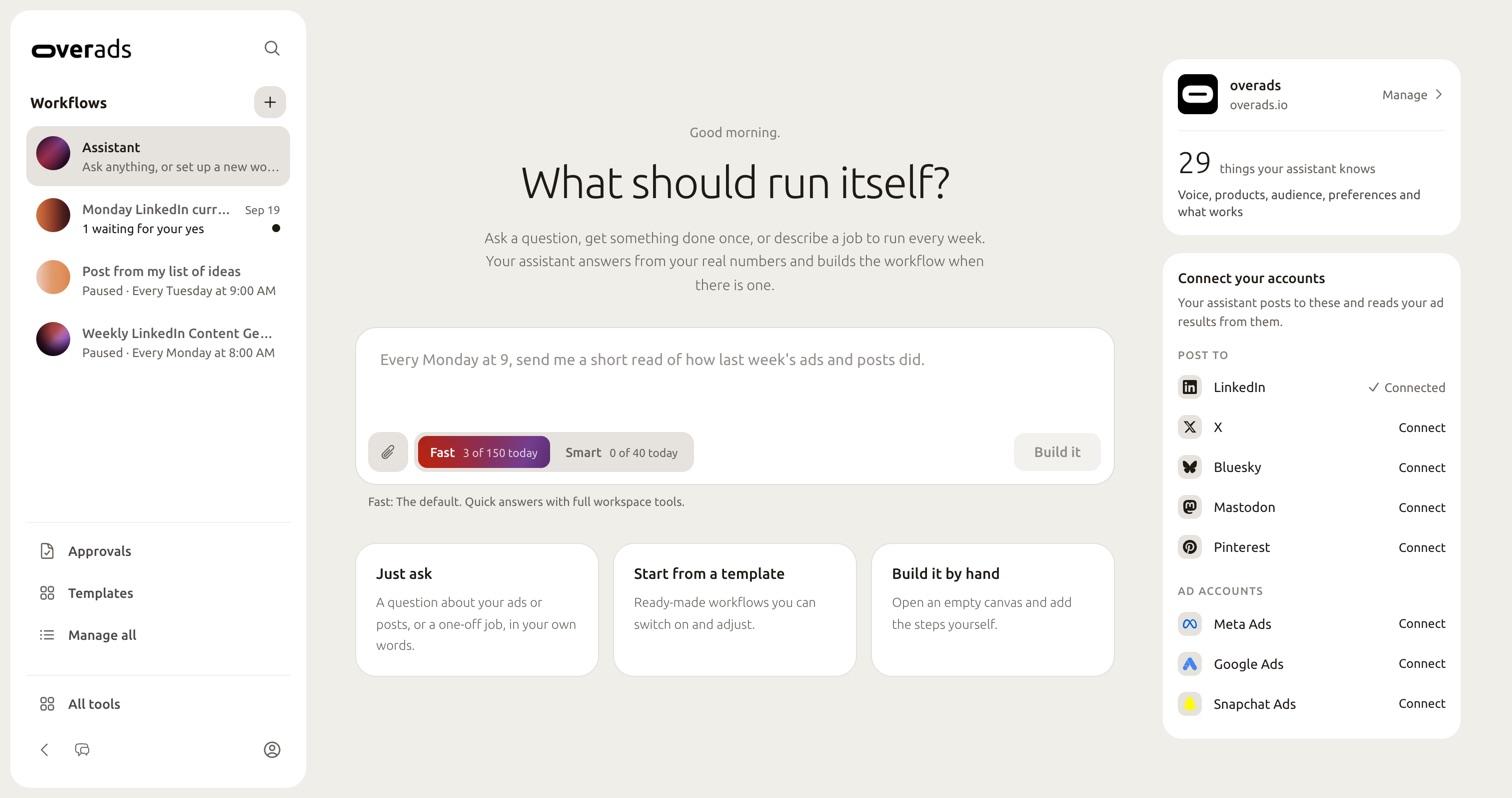
What overads does not do with Instagram today, read from the code on November 15, 2026:
- It does not offer Unified Login, so a client who wants a portfolio-owned token that outlives a staff change cannot get one through overads.
- The Instagram Login door asks for publishing only, so it does not read Instagram insights, comments or messages.
- It does not tell you, in the API's connections list, which door an Instagram connection came through.
When another route fits better: an account that needs product tags or partnership ads should use a tool on Facebook Login or Unified Login, or Meta Business Suite itself, which is Meta's own tool for the account.
Frequently asked questions
Will switching to a professional account make my private Instagram account public?
Yes. Instagram's help page on professional accounts says a private personal account becomes public when it switches, and pending follow requests are accepted. You can switch back later, which disconnects any linked Facebook Page.
Does Instagram Login give a tool access to my Instagram insights?
Meta's Instagram Login page says media insights are available through that setup, if the tool asks for the permission. overads asks only for the basic and publishing permissions on that door, so it does not read Instagram insights through it.
Is Meta retiring the Facebook Page requirement for every tool?
No. Meta's migration guide says it does not announce a retirement date for the existing setups. A tool on Facebook Login will keep asking for a linked Page until it moves to Unified Login or Instagram Login.
Sources
- Instagram Platform overview. Meta for Developers, Instagram Platform. Accessed Nov 15, 2026.
- Instagram API with Unified Login. Meta for Developers, Instagram Platform. Accessed Nov 15, 2026.
- Migrate to the Instagram API with Unified Login. Meta for Developers, Instagram Platform. Accessed Nov 15, 2026.
- Instagram API with Instagram Login. Meta for Developers, Instagram Platform. Accessed Nov 15, 2026.
- Instagram API with Facebook Login. Meta for Developers, Instagram Platform. Accessed Nov 15, 2026.
- Set up a professional Instagram account to access business or creator tools and controls. Instagram Help Centre. Accessed Nov 15, 2026.
- Instagram. overads docs. Accessed Nov 15, 2026.
Drafted with AI assistance, then checked against primary sources and the product itself by the overads team.
Keep reading
Social publishing · 10 min read
How to schedule Instagram posts, Reels and Stories: the Instagram app, Meta Business Suite and the API compared
Three places can schedule an Instagram post, and each takes different formats. The Instagram app, Meta Business Suite and Meta's Content Publishing API side by side, with the daily caps, file rules and what none of them can schedule.
Paid media · 13 min read
ads_management vs ads_read: why many ad tools can read your campaigns but not change them
ads_read lets a tool report on Meta ad accounts; ads_management lets it change them. One app declined on July 28 and approved on November 2, 2026, what changed between, what the permission lets a tool do, and how to check your connection.
Social publishing · 10 min read
Meta One pricing for business: what each plan costs and unlocks
Meta One's four business plans cost $14.99 to $499 a month for each Facebook Page, Instagram profile or WhatsApp number. A feature-by-feature table from Meta's own pages, the monthly link caps, per-profile costs and what stays free.
Connect Instagram the way your account allows
Sign in on Instagram with no Facebook Page, or through Facebook when you also manage the Page, then schedule Instagram beside Facebook, LinkedIn, X, Bluesky, Mastodon and Pinterest.
Get started