

Mastodon for business: picking a server, verifying your site and posting
On Mastodon a brand picks a server before it posts, and the server sets its address, rules and limits. The three routes compared, what a move keeps and loses, how website verification works, and how to schedule.
TL;DR
- Mastodon for business starts with one choice the other networks do not ask for: which server the brand's account lives on. The server sets the address, the rules and the character limit. A brand can join a public server, pay a host to run one on its own domain, or run one itself.
- Verification is free and needs no application. The brand's website links to its Mastodon profile with rel="me", the profile lists the website, and Mastodon shows a checkmark beside that link.
- A brand can leave a server. Mastodon's moving guide says a profile move carries followers to the new account, does not carry posts, and cannot be repeated for 30 days.
- A Mastodon post holds 500 characters by default, with up to 4 images or 1 video. Every link counts as 23 characters. A server can set a different limit.
- overads publishes and schedules to Mastodon on any server. It reads the server's character limit when the account is connected. It does not set up verification, send alt text, post polls or move accounts.
What Mastodon for business means in 2026
Mastodon for business means running a brand account on Mastodon, a social network made of thousands of independent servers that exchange posts with each other. Mastodon's servers page puts it plainly: Mastodon is not a single website, and to use it you make an account with a provider. An account on one server can follow, and be followed by, accounts on any other.
Mastodon's own statistics endpoint reported 7,133 servers, 10,259,714 user accounts and 684,530 active users for November 21, 2026. By that arithmetic about 6.7% of accounts were active. The endpoint does not define "active" or say which servers it counts, so read the figures as Mastodon's own tally and not as a census.
Two things follow for a brand. First, there is no paid reach: Mastodon's home page says it will never serve ads, and that posts arrive in chronological order with no ranking algorithm. Second, the brand has to pick a server before it can post anything, and that choice decides more than it seems to.
Where a Mastodon brand account can live: three routes
A Mastodon brand account lives in one of three places: on a public server someone else runs, on a managed server under the brand's own domain, or on a server the brand runs itself. The table sets them side by side, from Mastodon's own pages.
| Public server | Managed server | Self-run server | |
|---|---|---|---|
| Address | @brand@ the server's domain | @brand@ a domain the brand owns | @brand@ a domain the brand owns |
| Who sets the rules | The server's operator | The brand | The brand |
| Character limit | Whatever that server reports, 500 by default | 500 by default. Ask the host whether it can differ | 500 by default. The settings reference lists no switch for it |
| What the brand pays for | No server bill | The host's fee and the domain | The domain, a machine, email sending and, optionally, file storage |
| Who moderates | The server's operator | The brand, or the host where that is part of the service | The brand |
| If the server closes | 3 months of warning on servers Mastodon lists, then a move | The brand's contract with the host decides | The brand decides |
A public server is the quick start. Mastodon lists servers on its servers page only if they commit to the Mastodon Server Covenant. The covenant has four commitments: active moderation against racism, sexism, homophobia and transphobia, daily backups, at least one other person with emergency access, and at least 3 months of advance warning before shutting down. Each server writes its own rules, so read them before opening a commercial account there. The covenant covers only servers Mastodon lists.
A managed server puts the brand's domain in every address without the brand running any machines. Mastodon's guide to running your own server names ten dedicated hosting providers and notes that the brand usually still buys its own domain. Mastodon also sells this directly: its hosting page offers a managed service for organisations, covering hosting, moderation and support, and names the European Commission and the German state of Schleswig-Holstein among its customers. That page gives no prices.
A self-run server gives the most control and the most work. The same guide lists what it needs: a domain name, a virtual server that is always online, an email provider for confirmation and notification mail, and optionally a file storage provider. It also warns that a public service involves moderation and community management. A brand can keep sign-ups closed and run the server for its own accounts only.
Two details of the domain are worth settling before launch. First, Mastodon's configuration reference describes a setting that lets handles read @name@example.com while the server itself sits at a subdomain such as mastodon.example.com. It says neither domain setting can be safely changed once set, because other servers remember the old one. The same reference lists no setting for the character limit, so a server with a different limit runs changed software. Second, Mastodon's trade mark policy does not allow the word Mastodon in the top or second-level part of a server's domain without written permission.
What happens when a brand leaves a Mastodon server
A brand that leaves a Mastodon server can take its followers to a new account, and cannot take its posts. Mastodon's guide to moving accounts describes the move in three parts: create the new account, set the old account as an alias of it, then start the move from the old account.
- Followers move. The guide says the old server notifies followers and switches them to the new account, where their software supports it. With many followers this can arrive in batches.
- Posts do not move. The guide says posts are not moved, for technical reasons. An archive of posts and media can be requested once every 7 days, and the guide says Mastodon cannot import it.
- The follow list is a separate export. The accounts the brand follows, its lists, blocks and mutes are exported as CSV files and imported into the new account.
- There is a cooldown. After a move the account cannot move again for 30 days, and the guide calls the move irreversible for followers.
This is why the server choice matters more for a brand than for a person. A brand on its own domain does not depend on someone else's server staying open or keeping its rules. A brand on a public server keeps its audience through a move and loses the old address and the post history at it.
How to verify your website on a Mastodon profile
Mastodon verifies a link, not an identity. The brand's website links to its Mastodon profile, the profile lists the website, and Mastodon shows a checkmark beside that link. Mastodon's verification page says "There is no blue badge", and describes the check as free and open to anyone with a web page.
- Link to the profile from the website. Add a link to the brand's Mastodon profile that carries the attribute
rel="me". It can be a visible link or alinktag in the page's head. - Open the profile editor. In Mastodon, go to Preferences, then Public profile, then Edit profile.
- List the website. Put the page's address in one of the four profile fields. It must start with https.
- Save. The check runs when the profile is saved and may take some time.
- Check the result. If no checkmark appears, the guide suggests removing the link, saving, adding it again and saving again.
Mastodon's profile guide lists the conditions that make the check fail. The website's response must be no larger than 1 MB. The link must be in the HTML itself, readable without running JavaScript, and must not sit inside an iframe. The guide notes that some block-based website builders wrap blocks in iframes, which stops verification. A site that renders its footer only in the browser will fail for the same reason.
The same guide says there is no better way to prove identity than to host Mastodon on a domain people already trust. That is the second and third route above: an address ending in the brand's own domain is its own proof.
Mastodon post limits a brand should plan for
A Mastodon post holds 500 characters by default, plus up to 4 images or 1 video, and each server can change those numbers. The defaults below are from Mastodon's posting guide, last updated July 8, 2026.
| What | Default limit |
|---|---|
| Post text | 500 characters |
| A link in the text | Counts as 23 characters, whatever its length |
| A mention of someone on another server | Only the username part counts |
| Images in one post | Up to 4, each up to 16 MB |
| Video in one post | 1, up to 99 MB |
| Poll | Up to 4 choices of 25 characters each, in place of media |
| Profile bio | 500 characters |
| Profile fields | 4 rows of label and content |
The limits a particular server applies are public. Mastodon's instance API reference shows each server reporting its own maximum characters, maximum attachments, and image and video size limits, and any tool can read them before posting. The guide also says link shorteners are discouraged, since every link counts the same.
How Mastodon's count compares with other networks is in the social media character limits guide. The same choices for Bluesky, the other open network a brand is likely to weigh, are in the Bluesky for business guide.
Mastodon habits that matter for a brand account
Mastodon gives a brand four posting controls that most networks do not, and using them is how a brand account fits in. Each is described in Mastodon's posting guide.
- Content warnings. A content warning collapses the post behind a short line, which the guide compares to an email subject. It can be used to summarise a long post or to give context before the body.
- Media descriptions. The guide calls describing attached media a good idea. The description is shown when the media fails to load and is read by screen readers.
- Hashtags. The guide says a hashtag makes a post discoverable to anyone searching for it. With no ranking algorithm and no ads, hashtags and boosts are how a post reaches people who do not follow the brand.
- Visibility. A post is Public, Quiet public, Followers or Private mention. Quiet public keeps a post off live feeds, trends and search. The guide warns that private mentions are not encrypted and that server administrators may be able to read them, so they are no place for customer details.
Beyond those controls, the rules are local. Each server writes its own, and what one server welcomes from a commercial account another may not. On a public server, the server's rules page is the brand guideline that counts.
Scheduling Mastodon posts with overads
overads Publish schedules and publishes posts to Mastodon on whichever server the account lives. This section describes how, from the overads Mastodon docs and the overads code as it stood on November 22, 2026.
Mastodon itself can hold a post for later through its API. The statuses API reference takes a scheduled time that must be at least 5 minutes ahead. The posting guide read for this post describes no scheduling control in Mastodon's own compose form. overads does not use that API field. It keeps the post itself and sends it at the chosen time.
- Connecting. You type the server's domain, then sign in on that server and approve overads there. There is no central Mastodon sign-in, so overads registers itself as an app on each server the first time someone from it connects. No app review is involved, and the approval can be revoked from the Mastodon account at any time.
- Text. overads reads the server's character limit when the account is connected and checks every post against it, so a server that allows 5,000 characters gets 5,000. If the server reports no limit, overads uses 500. The limit is read once, so reconnect the account if the server changes it. A content warning counts toward the same limit. overads counts a link at its full length, not as 23, so its check is stricter than Mastodon's for a post with a long link.
- Media. overads sends up to 4 files with a Mastodon post. Its delivery code reads at most 15 MB of any one file for Mastodon. The overads docs page gives 99 MB for video, which is Mastodon's default, so treat 15 MB as the working cap for a video sent through overads.
- Settings. The composer has a choice of visibility and a field for a content warning of up to 200 characters. The API also takes a language tag for the post.
- Retries. overads sends each post with an idempotency key, which Mastodon's API uses to refuse a duplicate of the same post. A retry after a timeout therefore does not post twice.
A workspace can hold scheduled posts for a person's approval when an owner or admin switches that rule on, as the scheduling and approvals guide explains.
Where overads fits
overads fits a brand that treats Mastodon as one channel among several and wants one schedule for all of them. overads Publish is live on Instagram, Facebook, LinkedIn, X, Bluesky, Mastodon and Pinterest, and each network can carry its own version of a post, as the cross-platform posting guide describes. The social media scheduler page lists what each channel accepts.
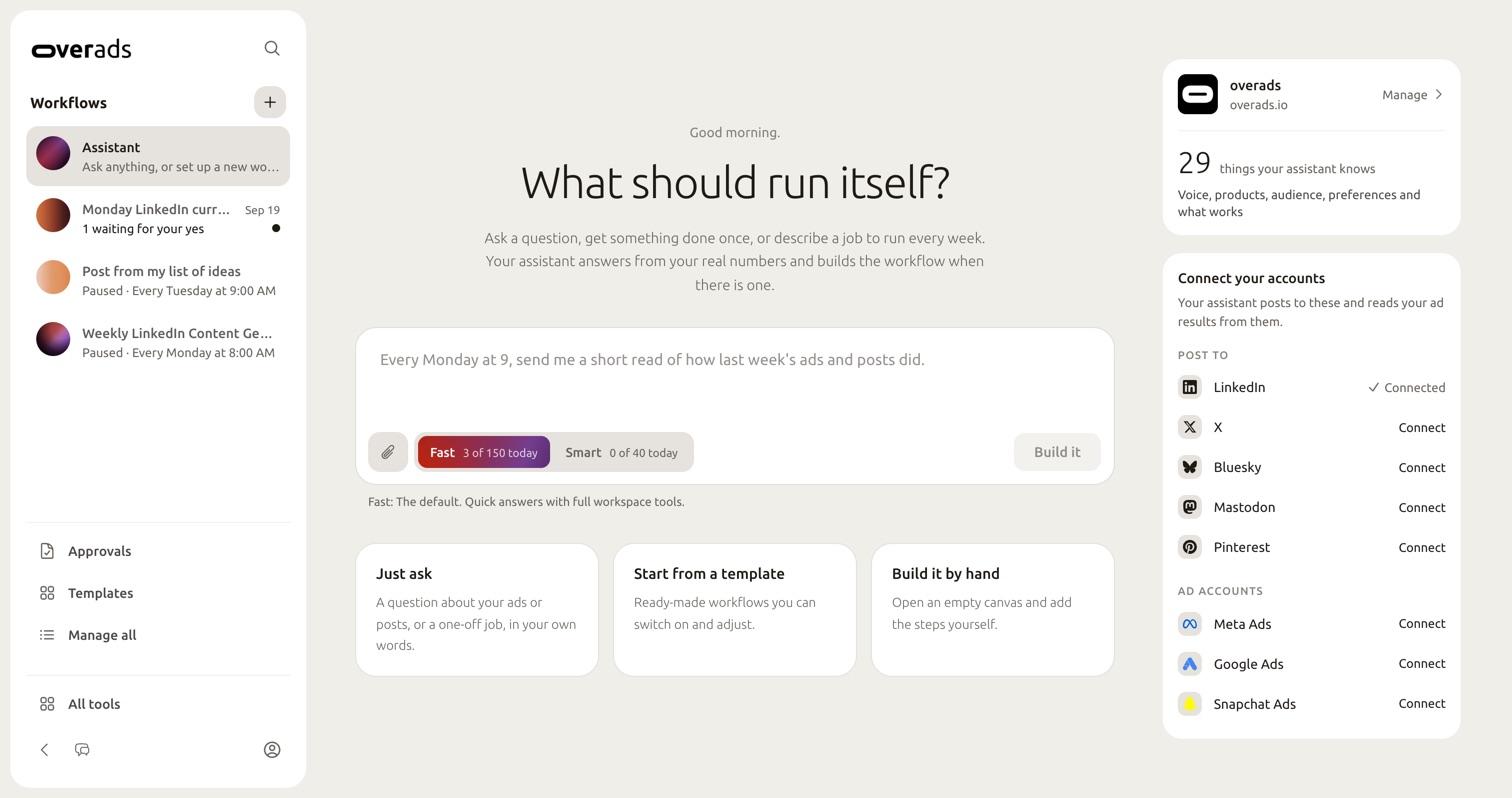
What overads does not do for a Mastodon brand account, read from the code on November 22, 2026:
- It does not pick, host or run a Mastodon server.
- It does not set up verification. The
rel="me"link goes on the brand's website and the profile field is edited in Mastodon. - It does not send a media description with Mastodon images or video. On a network where describing media is the custom, that is a real gap: add the description in Mastodon after the post is out, or post media-heavy updates from Mastodon itself.
- It does not post polls, replies or boosts to Mastodon.
- It does not follow an account through a move. overads stores a connection by its server and its account ID on that server, so the new account is a new connection. This was read from the code and not tried on a live account.
When another route fits better: a brand that posts only to Mastodon, with described images and polls, is better served by Mastodon's own apps. An organisation that wants every staff member on an address under its own domain needs a server first, from a host or from Mastodon's managed service, and no scheduler supplies that.
Frequently asked questions
Can a brand buy ads on Mastodon?
Mastodon's home page says it will never serve ads. No page read for this post describes a way to buy placement. Each server is run independently, so check a server's own rules before treating that as true everywhere.
Can a brand name its server after Mastodon?
Mastodon's trade mark policy, last updated August 12, 2026, does not allow the word Mastodon in the top or second-level part of a server's domain without written permission. It allows the word deeper in the address, such as mastodon.example.com, with a disclaimer.
Should a scheduled brand account be marked as a bot?
Mastodon's profile guide says the bot flag tells others that an account may act automatically or may not be watched by a person. It describes the flag as a visual sign only. Whether a server expects it is set by that server's rules.
Can a writer at the brand be credited on Mastodon when an article is shared?
Yes. Mastodon's profile guide describes a fediverse:creator tag for the article's HTML, and a list in the writer's Mastodon settings of websites allowed to credit them. A shared link then shows the writer's Mastodon profile in its byline.
Sources
- Setting up your profile (last updated April 15, 2026). Mastodon documentation. Accessed Nov 22, 2026.
- Verification on Mastodon. Mastodon. Accessed Nov 22, 2026.
- Running your own server (last updated March 20, 2026). Mastodon documentation. Accessed Nov 22, 2026.
- Mastodon Server Covenant. Mastodon. Accessed Nov 22, 2026.
- Servers. Mastodon. Accessed Nov 22, 2026.
- Your fully-managed Mastodon service. Mastodon. Accessed Nov 22, 2026.
- Trade Mark Policy (last updated August 12, 2026). Mastodon. Accessed Nov 22, 2026.
- Moving or leaving accounts (last updated November 27, 2025). Mastodon documentation. Accessed Nov 22, 2026.
- Posting to your profile (last updated July 8, 2026). Mastodon documentation. Accessed Nov 22, 2026.
- Configuring your environment. Mastodon documentation. Accessed Nov 22, 2026.
- instance API methods. Mastodon documentation. Accessed Nov 22, 2026.
- statuses API methods. Mastodon documentation. Accessed Nov 22, 2026.
- Statistics endpoint (the row for 2026-11-21). Mastodon. Accessed Nov 22, 2026.
- Mastodon home page. Mastodon. Accessed Nov 22, 2026.
- Mastodon. overads docs. Accessed Nov 22, 2026.
Drafted with AI assistance, then checked against primary sources and the product itself by the overads team.
Keep reading
Social publishing · 8 min read
Social media character limits in 2026, and how each platform counts
Post limits for X, LinkedIn, Bluesky, Mastodon, Threads, Instagram, Pinterest and YouTube, from each platform's own docs, and how each counts links, emoji and non-Latin text.
Social publishing · 15 min read
Cross posting social media: how to adapt one post for seven networks without it looking copy-pasted
The same text everywhere gets refused on short networks, tags the wrong people and loses its link preview. What to change on X, LinkedIn, Bluesky, Mastodon, Pinterest, Instagram and Facebook, with one launch post adapted and measured.
Social publishing · 12 min read
Bluesky for business: domain handles, verification, limits and how to post
A brand proves who it is on Bluesky with its own domain, not a form. How the domain handle works, who gets a blue check and how few accounts have one, the post limits, the rules for commercial posts, and how to schedule.
Schedule Mastodon with the rest of your channels
Connect the brand's Mastodon account on whichever server it lives, write its version next to the others, and let any post wait for a person's approval before it goes out.
Get started