
Your URL in.Creative out.
Paste your homepage. The AI learns your brand in seconds, then writes posts and ad creative for Meta, Google, LinkedIn, X, and Snapchat in under a minute. Pick the image model per render.
Cancel anytime · 50 free generations
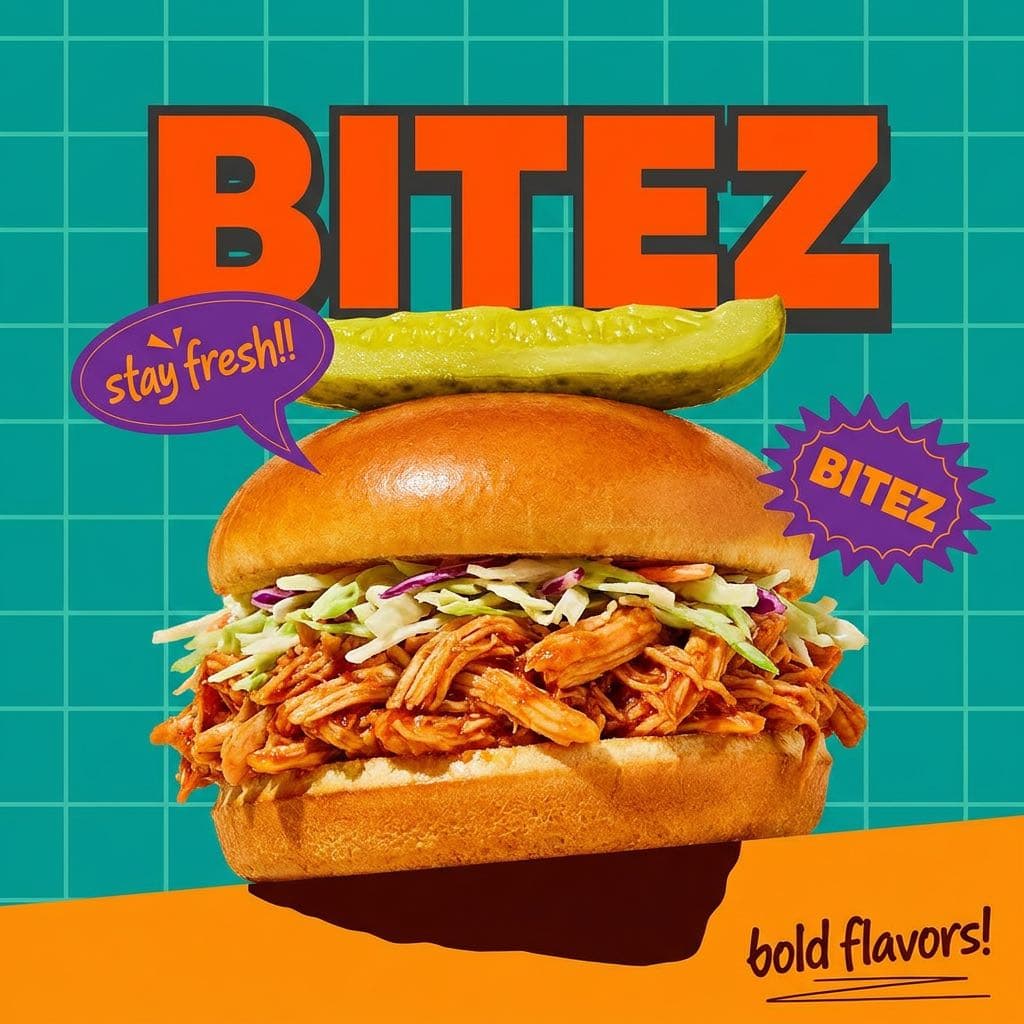
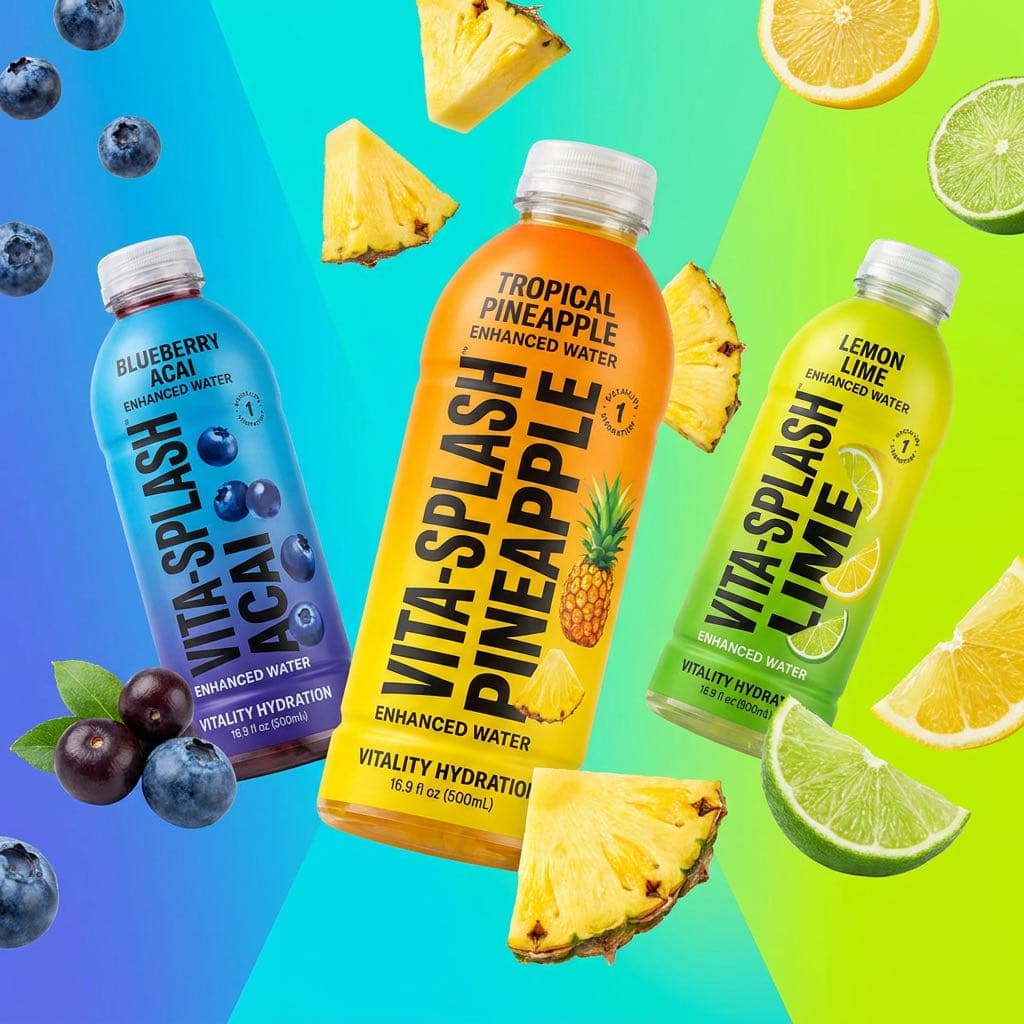
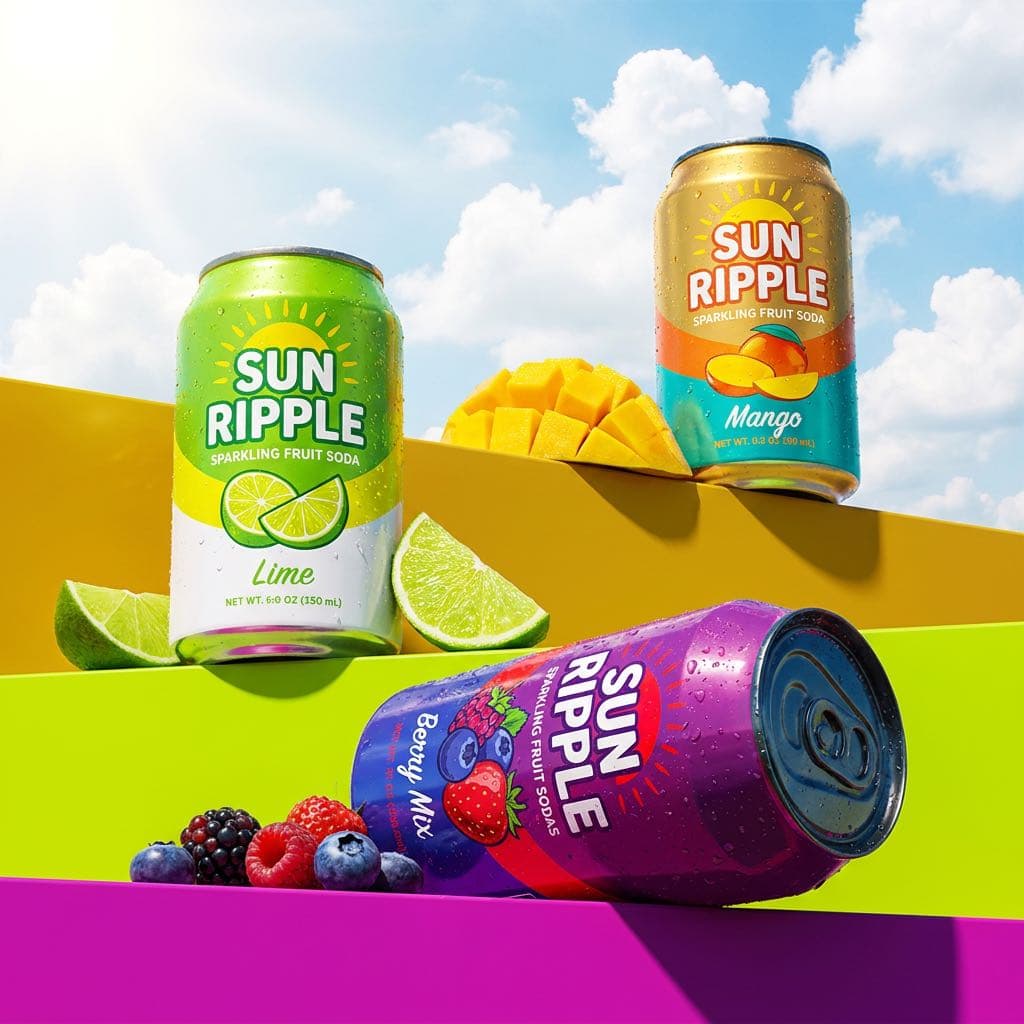
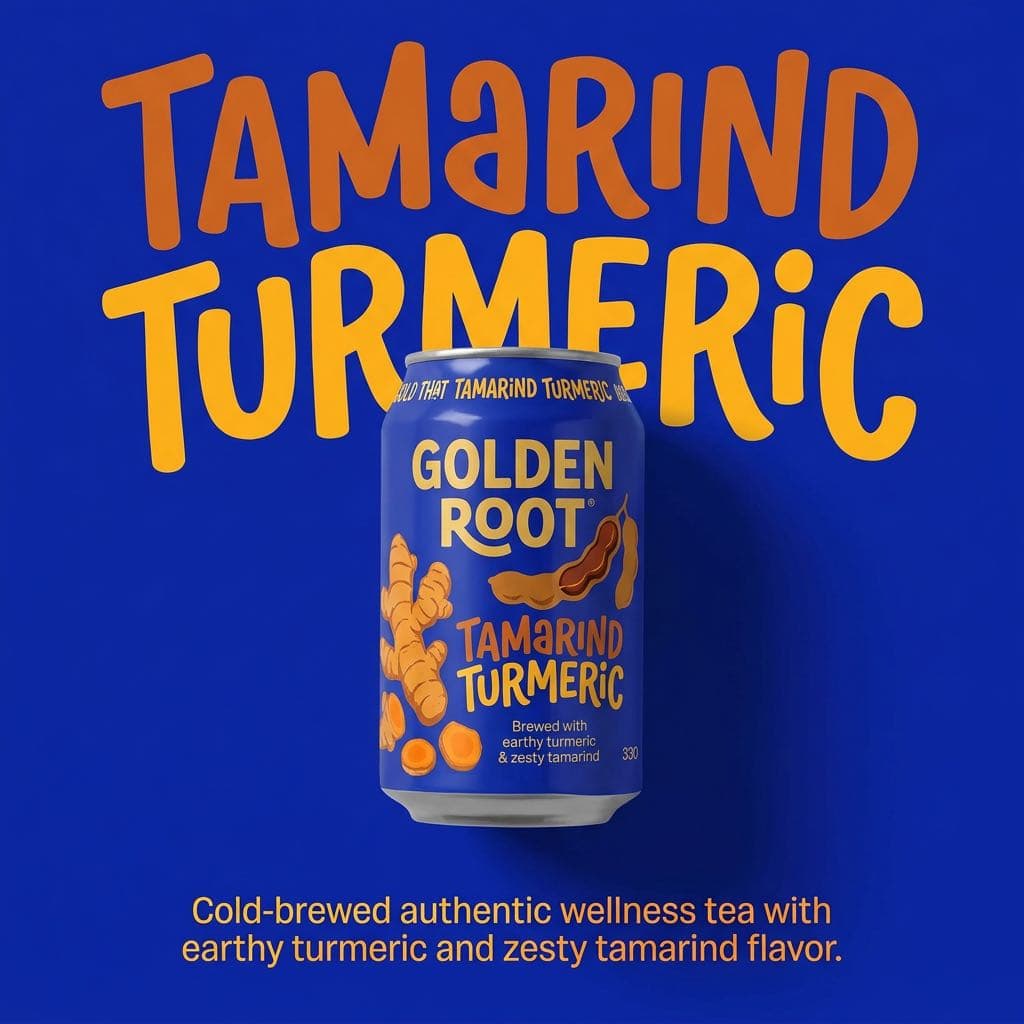
Generated in one job · across 7 brands
AI ad copy generator
From one URL to a channel-ready campaign
One scan reads your voice, palette, and products. One job writes native copy per channel and renders every required size. One click sends the winners to Publish.
northwindcoffee.comScan
Brand profile12s
VoiceDry, confident, zero filler
Palette
Products3 roasts, 1 subscription
Profile locked in · editable in Settings
Brand scan
It learns the brand first
Voice, palette, products, and the three benefits your site leads with, pulled from your URL in about 12 seconds. No questionnaire.
Variants · one job47s
Feed
The first cup that tastes like the tasting notes.
Sponsored
Office coffee that engineers stop complaining about.
Promoted
Coffee, but the roast date is not a state secret.
+2 more channels in the same job
Per-channel variants
Native copy for every platform
Character limits respected, tone adjusted per channel, every aspect ratio rendered in one job instead of six exports.
Meta · Feed · variant 2Approved
Single-origin Northwind, roasted within 7 days of shipping.
RegenerateVariationsSend to Publish
Image model
GPT Image 2Nano BananaImagen 4
6 sizes rendered · every aspect ratio
Edit and ship
You stay the editor in chief
Tweak any field inline, regenerate just the headline, spin A/B variations, then hand the winners to Publish without leaving the tab.
The workflow
One URL fans out to five channels
Creative Studio reads your site once, then writes and renders for every connected channel in a single job. The same brand profile feeds Publish and your ad campaigns, so the voice never drifts between platforms.
- Input
- One URL, no questionnaire
- Output
- Posts + ad creative per channel
- Speed
- Under 60 seconds
yourbrand.comGo
Your URL

Live
yourbrand.com
Creative Studio FAQ
Before your first generation
Anything else? Email hello@overads.io and a human will reply within a business day.
Which platforms does Creative Studio cover?
All five: Meta (Feed, Stories, Reels), Google (Search, Display, Performance Max), LinkedIn Sponsored, X Promoted, and Snapchat (Snap and Story ads). Every channel is live today.
Which image models can I choose between?
OpenAI GPT Image 2 (the default), Google's Nano Banana, and Imagen 4 in Ultra, standard, and Fast variants. Pick per generation or set a workspace default. The picker surfaces each model's strengths so you do not have to memorize them.
Can I edit copy before it publishes?
Yes. Every variant is fully editable inline. Regenerate just the headline, just the body, or just the CTA. Changes save to a version history so you can roll back later.
Does it learn my brand?
The first scan pulls your colours, fonts, voice, and product catalogue from your URL. After ten approved generations, the brand profile locks in and stays editable in Settings.
Can I keep a human in the loop?
Yes. Every generation can require approval before it reaches Publish. The approver list is per workspace, so agencies can set one per client.
How does it compare to Higgsfield or HeyGen?
Different jobs. Higgsfield and HeyGen generate video, and Creative Studio does not: we make still images and ad copy only, so if video is what you need, buy one of them. What Creative Studio gives you instead is your pick of image model rather than a lock-in, real brand-voice control, credits that never expire, and a direct pipe into Publish and into the campaign that runs the creative, so you can see which generated image actually produced revenue.
What does it cost?
Creative Studio is part of the overads superapp and included on every plan: Starter $49/mo, Growth $149/mo, Scale $299/mo. One credit per image, with 30, 150, or 400 credits added on every renewal. Unspent credits carry over and never expire, and you can buy 100 more for $19 whenever you need them. Buying credits buys more images, never lower-quality ones: the model is the same at every tier.
How fast is a full job?
Under 60 seconds for copy plus visuals across all five channels and every aspect ratio. The brand scan itself takes about 12 seconds.
Ready when you are
Generate your first campaign in under a minute
Paste your URL. The AI learns your brand, writes the posts, renders the creative, and hands it to Publish. No designer briefed, no copywriter pinged.